The 8 references behind this image, in upload order (all generated on this site)
 Picture 1Explorer (photo)
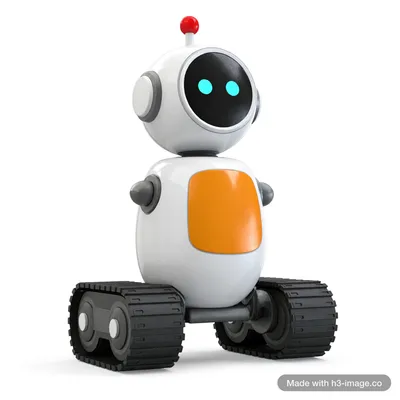 Picture 2Robot (3D render)
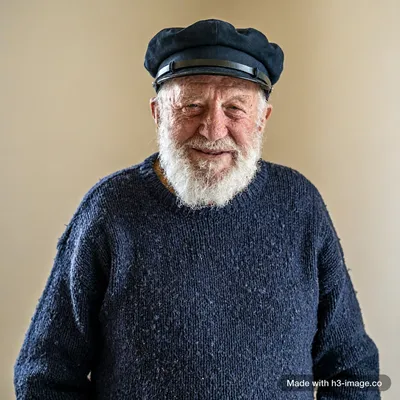 Picture 3Keeper (photo)
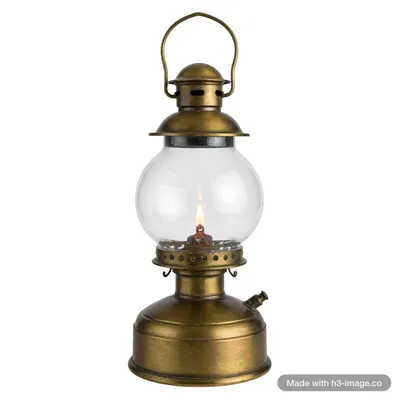 Picture 4Lantern (product shot)
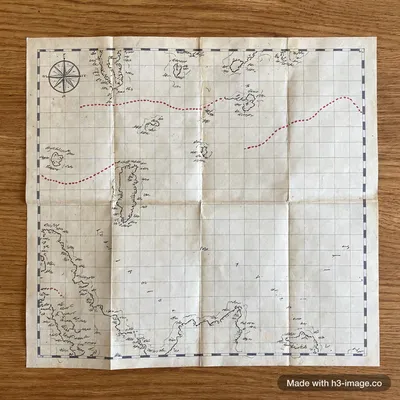 Picture 5Sea chart (flat-lay)
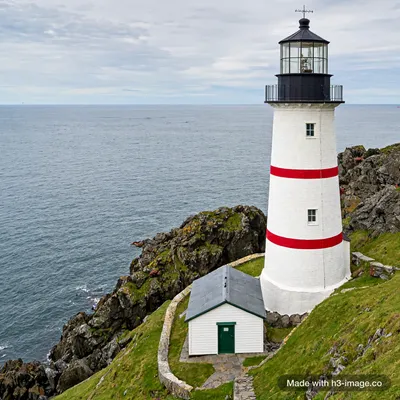 Picture 6Lighthouse (location)
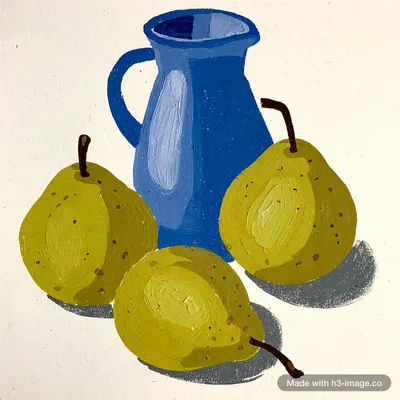 Picture 7Gouache painting (style)
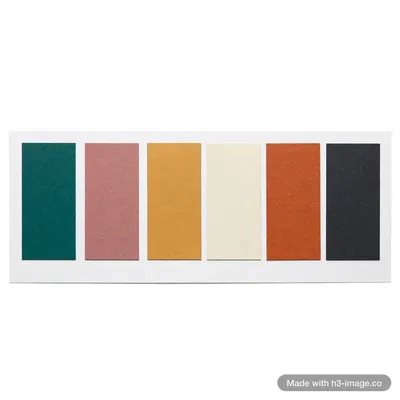 Picture 8Colour card (palette)
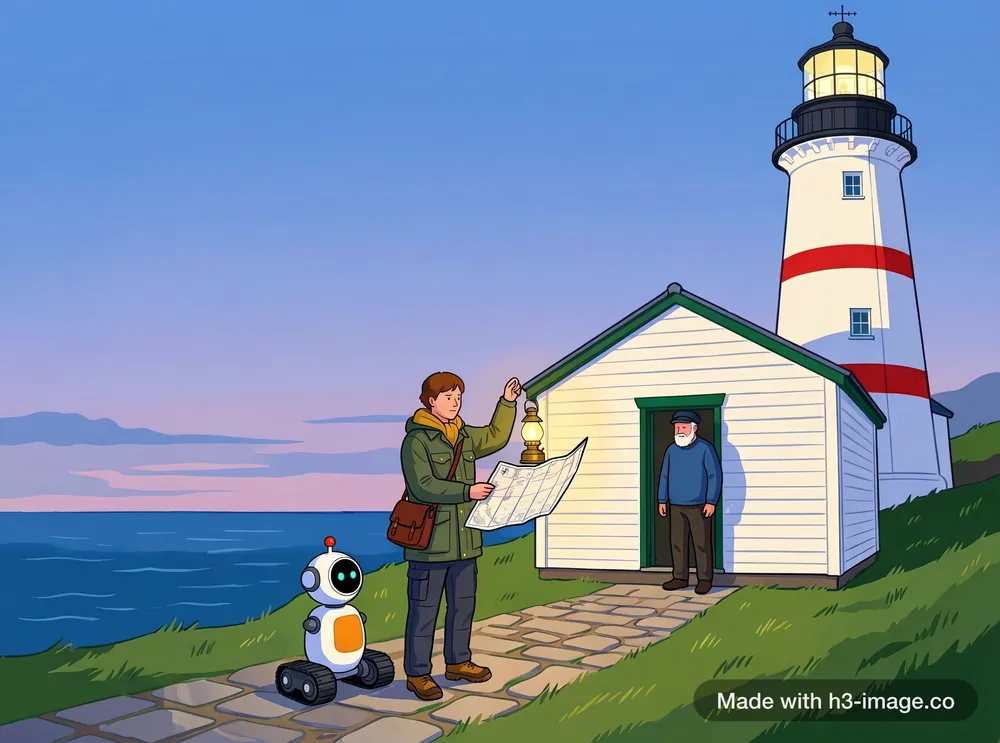
More examples
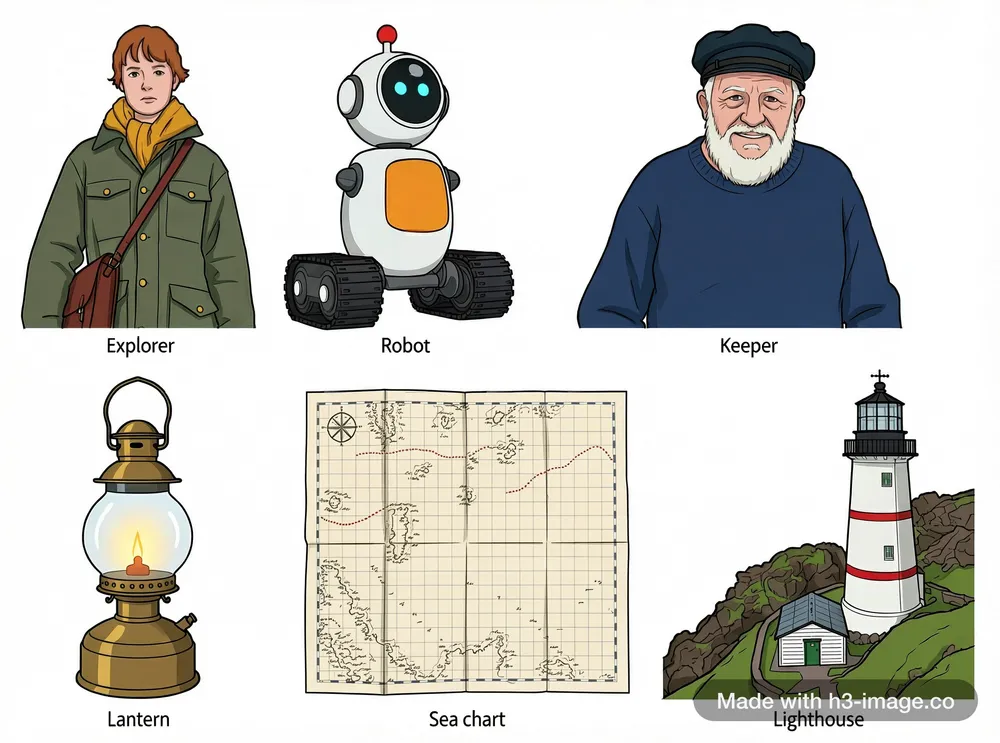
Every reference in one asset sheet
Lay out the people, props and places side by side at one scale, each with its own label. A quick way to check the model read every upload before you build scenes with them.
What we checked: all six labels are spelled right, each subject appears once, all redrawn in one illustrated style. The subjects are not all at the same scale.
Prompt +
Create an asset sheet on a clean white background that shows each subject from <Picture 1> to <Picture 6> exactly once, side by side in two rows of three at a consistent scale. Redraw all six in one shared illustrated concept-art style with clean outlines and soft flat shading; none of them should look like a photograph. Keep each subject's design, shapes and colours recognisable from its reference. Under each subject, a small label with exactly this text: "Explorer" under the woman from <Picture 1>, "Robot" under the robot from <Picture 2>, "Keeper" under the old man from <Picture 3>, "Lantern" under the lantern from <Picture 4>, "Sea chart" under the map from <Picture 5>, "Lighthouse" under the lighthouse from <Picture 6>. No other text.
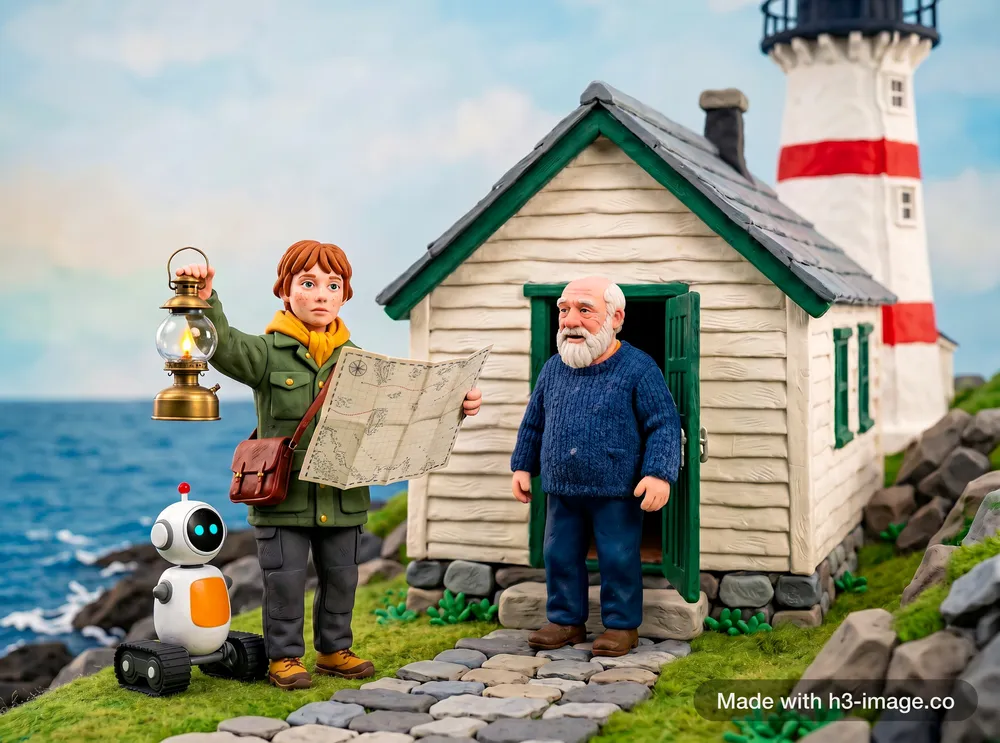
Swap the style, keep the cast
Replace only the style reference and the same people, props and place come back in a different medium.
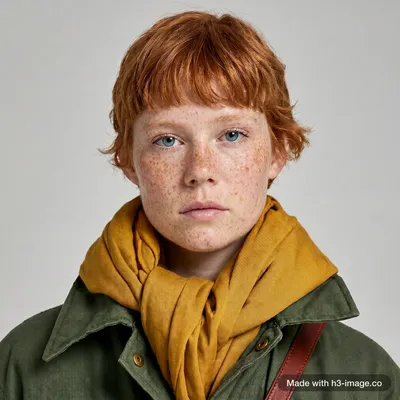
What we checked: clay look, no hat, no fox, one cottage, she holds the lantern and the chart. Slip: the keeper lost his cap. Picture 7 is a close-up we made from Picture 1 to keep her face.
Prompt +
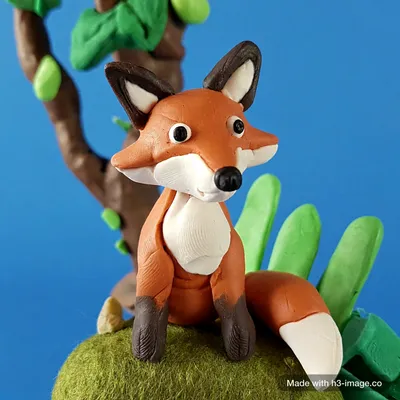
<Picture 1> is the explorer, <Picture 2> is the robot, <Picture 3> is the lighthouse keeper, <Picture 4> is the brass lantern, <Picture 5> is the sea chart, <Picture 6> is the lighthouse, <Picture 7> is a close-up of the explorer's face and <Picture 8> is only a style reference. Create one scene on the stone path in front of the lighthouse from <Picture 6>: the explorer from <Picture 1> holds up the lantern from <Picture 4> in her right hand and holds the open sea chart from <Picture 5> in her left hand, turning it towards the keeper from <Picture 3>, who stands in the cottage doorway with empty hands. The robot from <Picture 2> waits beside her. Use <Picture 7> for her face and hair. She wears no hat. There is only one cottage. Keep each character's face, hair, clothing and colours, the robot's design and the lighthouse's stripes. Make the whole image a stop-motion claymation photo in the style of <Picture 8>: plasticine figures with visible fingerprints, a miniature set, shallow depth of field. Do not include the fox from <Picture 8>. No text.
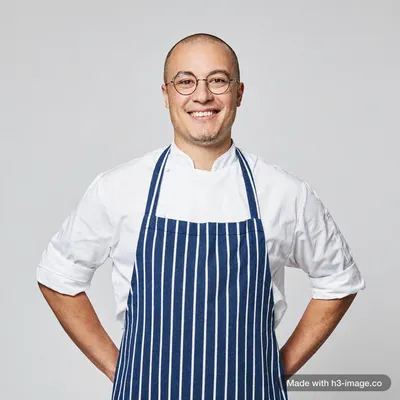
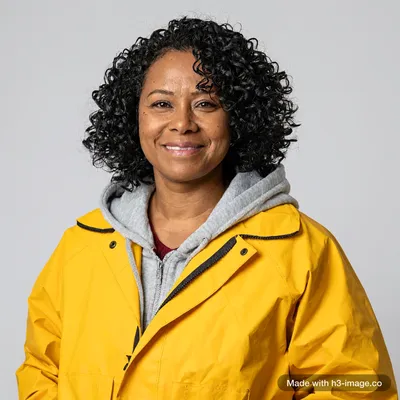
A group photo from separate portraits
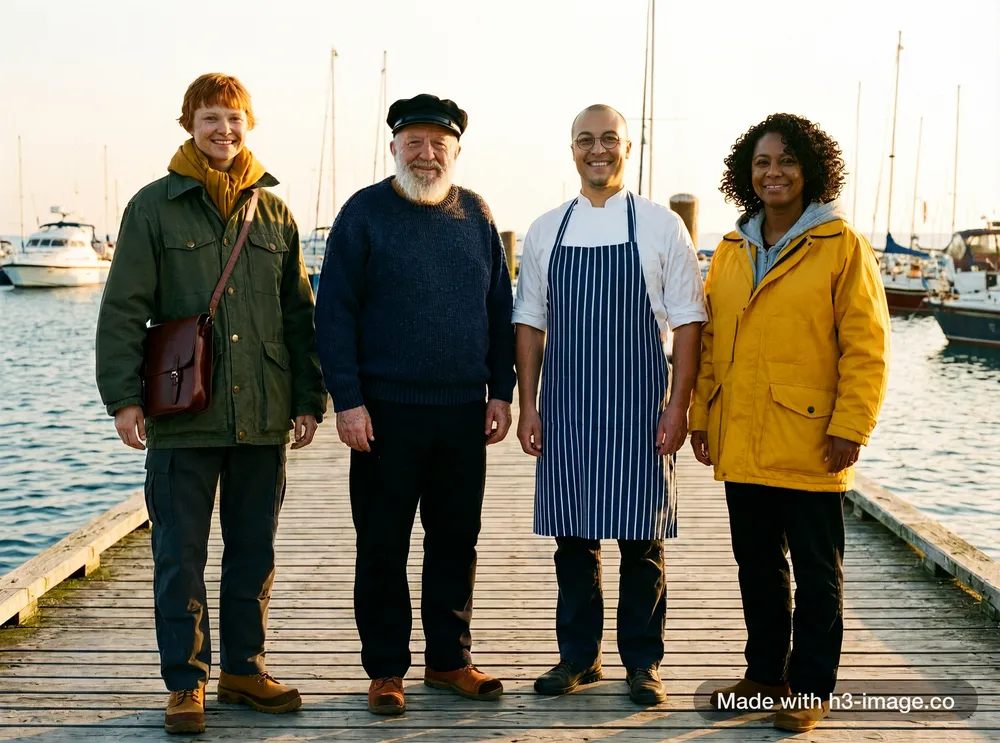
Photograph people one at a time, then put them in one frame, each keeping their own face, age and clothes.
What we checked: four people, each once, with their faces and clothes kept, including the cook's striped apron.
Prompt +
<Picture 1> to <Picture 4> show four different people. Create one photo of all four together: a crew photo on a wooden harbour pier at golden hour, standing side by side and smiling at the camera, boats and the sea behind them. Keep each person's face, hair, age, build and clothing exactly as in their own reference, and show each person exactly once. The cook from <Picture 3> wears his blue-and-white vertically striped apron over his white chef's jacket, exactly as in <Picture 3>. Natural light, photorealistic, 35mm film look. No text.
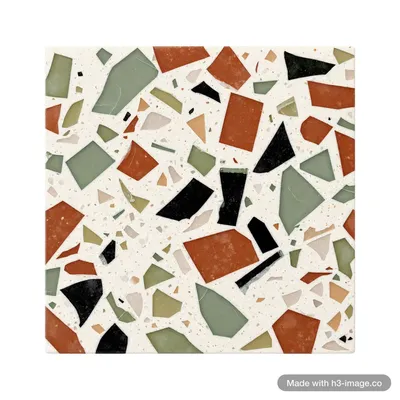
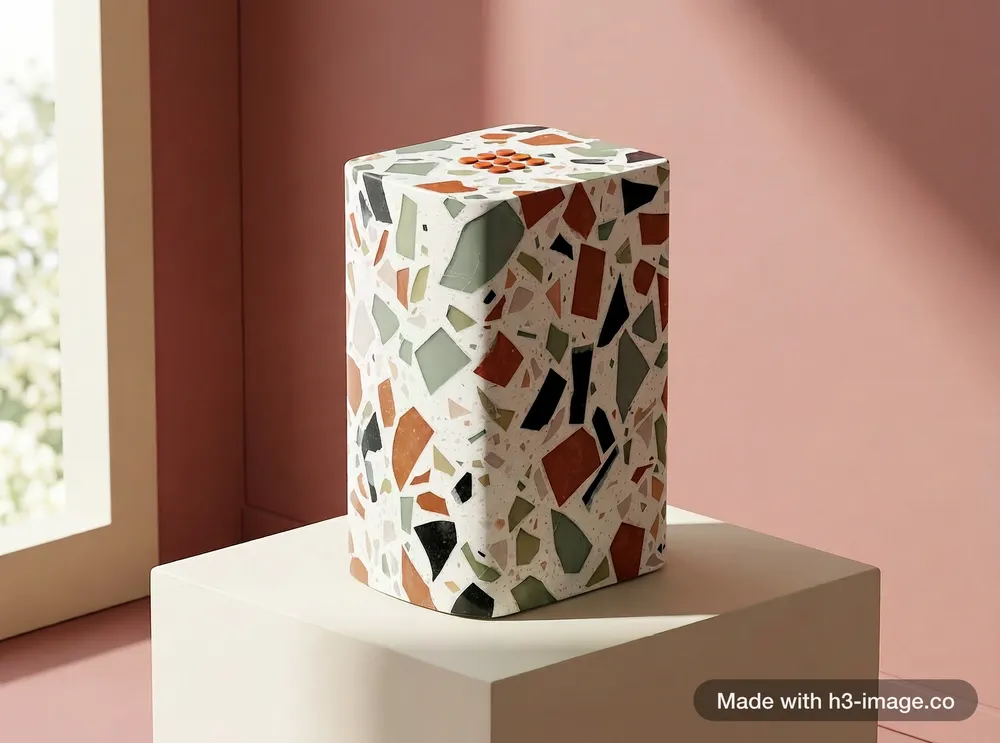
Product + material + colour card
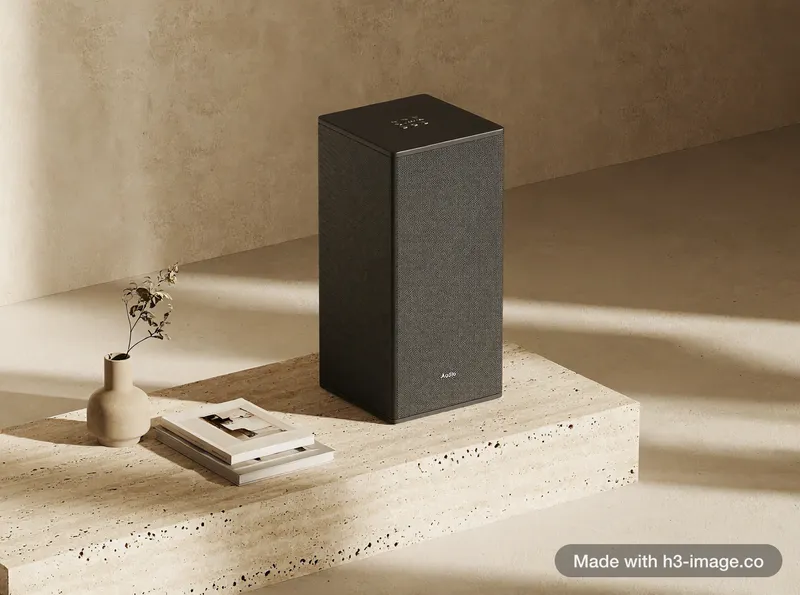
Feed a product shot, a material sample and a colour card to try a new colourway without a 3D model or a photo shoot.
What we checked: terrazzo body, orange buttons, pink backdrop and no logo, as asked. Slip: the edges came out slightly rounder than the original speaker.
Prompt +
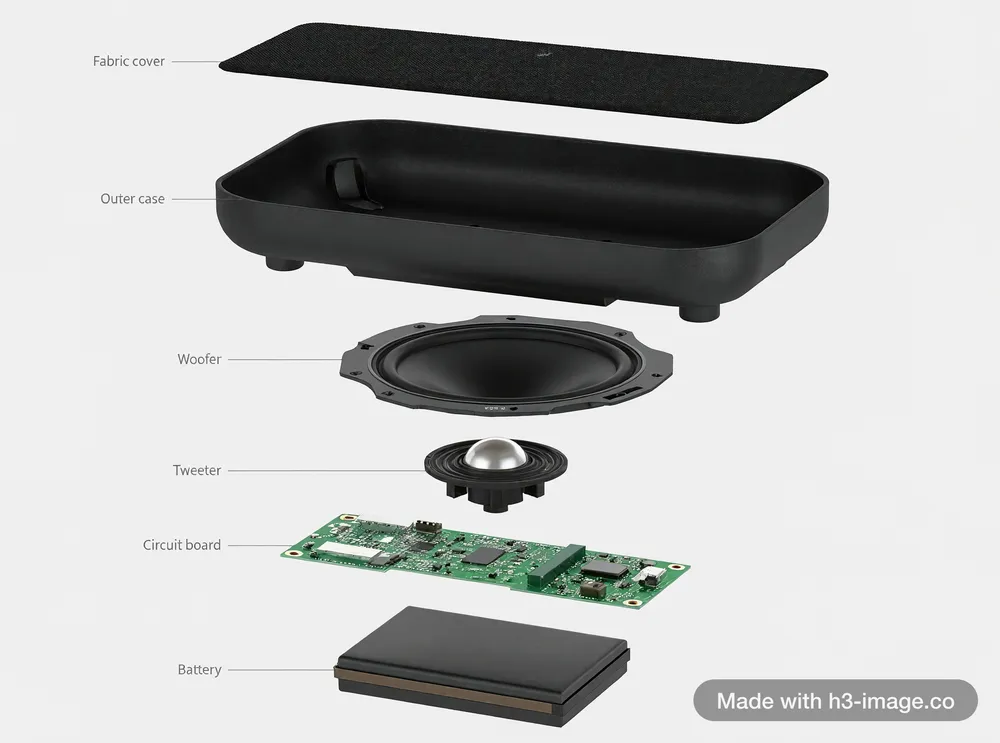
Create a limited-edition version of the speaker from <Picture 1>. Keep its shape, proportions and top buttons exactly the same, but cover its whole body in the terrazzo from <Picture 2>, and make the top buttons burnt orange. No logo, letters or text anywhere on the speaker. Studio product photo: the speaker stands on a cream plinth in front of a seamless backdrop in the dusty pink from <Picture 3>, soft daylight from the left.
How to write a multi-reference prompt
- 1
Open by saying what each picture is: "<Picture 1> is the explorer, <Picture 6> is the lighthouse". Then refer to them by number in the rest of the prompt.
- 2
For each reference, say what must stay the same (face, clothes, stripes, buttons) and what may change (pose, light, style).
- 3
When a picture is only there for style or colour, say so, and tell the model not to copy its subject: "Do not copy the pears from <Picture 7>".
- 4
Ask for each subject "exactly once", then count them in the result. With many references, items can repeat or go missing.
What early testers found
Combined 16 fantasy subjects (heroes, dragons, a sword, banners, castles, landscapes) into one 4K asset showcase. In the second image posted, several subjects appear two or three times.
@iamrealsnowOpened the prompt by stating that four screenshots show one character and which one shows the full figure, and got a character sheet with a few small, easily fixed mistakes.
@tazmannnerSuggests feeding a dozen images (concept art, colour cards, materials, props) to get a matching set of 4K game or brand visuals.
@gkxspaceShared a fantasy group scene with about ten distinct characters, made with character references during early access.
@NyaiiBubu
Every image in this section, the references included, was generated on this site with MiniMax H3 Image at 2K. The prompt under each result is the exact text used.