H3 Image prompts vs MiniMax H3 video prompts
Most MiniMax H3 prompt guides online are written for the video model. H3 Image is a separate still-image model, and much of a video prompt does nothing here. The difference in one table:
| In the prompt | H3 Image | MiniMax H3 video |
|---|---|---|
| What you describe | One frame: what is in it, where, in what light | Shots that change over time |
| Camera | A fixed position and a lens look | How the camera moves within and between shots |
| Words in quotes | Printed in the picture as text | Usually lines of dialogue, spoken aloud |
| References | Up to 16 images, called <Picture 1>, <Picture 2>… | Images, and in some workflows video or voice |
Reusing a video prompt? Keep the description of the first frame, drop the camera moves, dialogue and sound effects, and write the camera as a fixed position.
Five parts of a good prompt
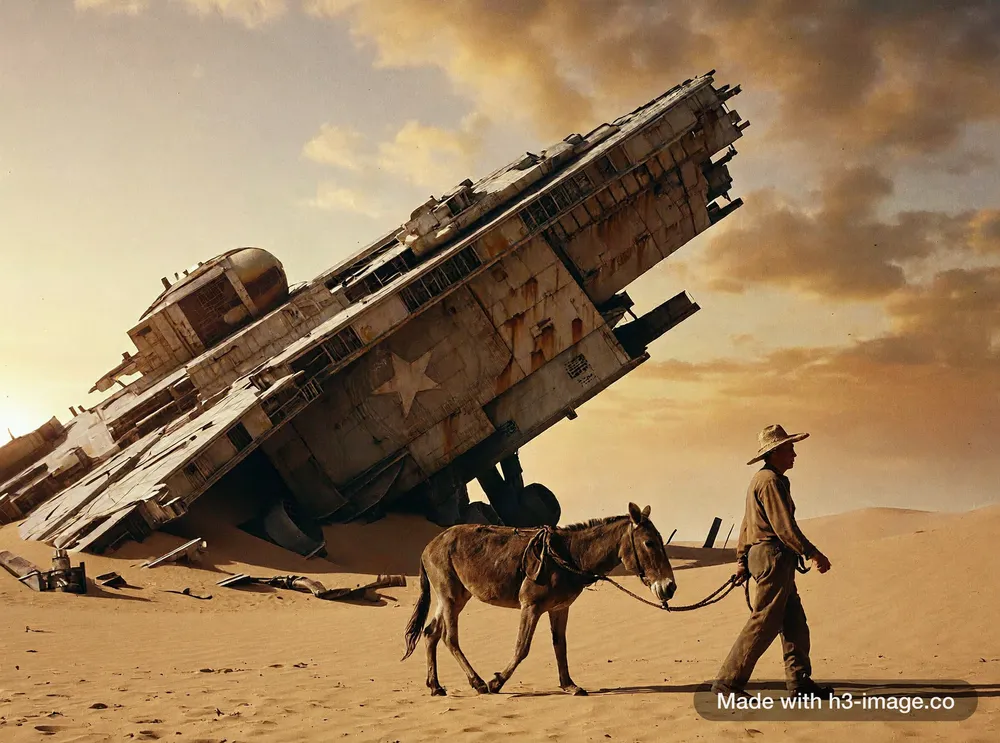
Take this film still. Its prompt is one long sentence, but each phrase does a different job.
- Subject
- Name the main thing and its size or state, not only its type.“a colossal derelict starship half-buried in desert sand”
- Scale and foreground
- Put a person or a familiar object in frame, so a big thing reads as big.“a lone farmer leading a mule past it in the foreground for scale”
- Light
- Describe it the way a photographer would: time of day, weather, how hazy or hard it is.“hazy late-afternoon light”
- Materials and wear
- Say what the surfaces are made of and how they have aged.“real-world materials and weathering, rust streaks and sand drifts against the hull”
- Kind of picture and look
- Open with what kind of picture it is, and close with the colour and the grain.“A 35mm film photograph … muted film colours, fine grain”
Add detail: on or off?
MiniMax’s model card says H3 Image expects a detailed English description of the whole image, and that its API can turn a short prompt in any language into one. On this site that step is the Add detail switch. Source: Hugging Face model card
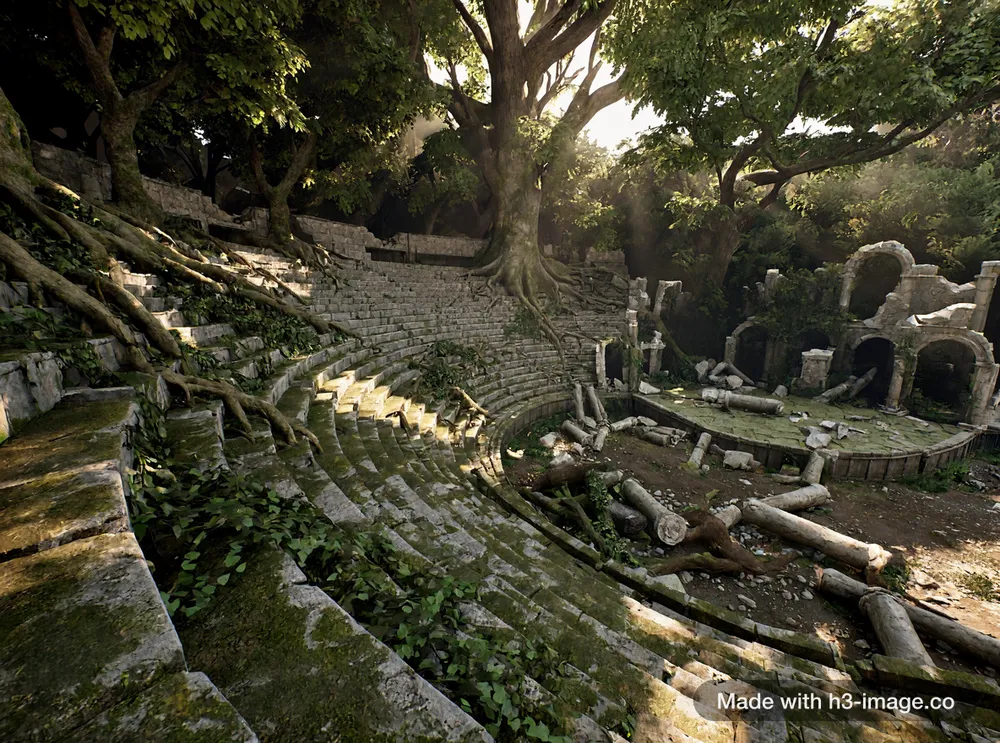 1K · Add detail on
On: when you describe a mood or a scene
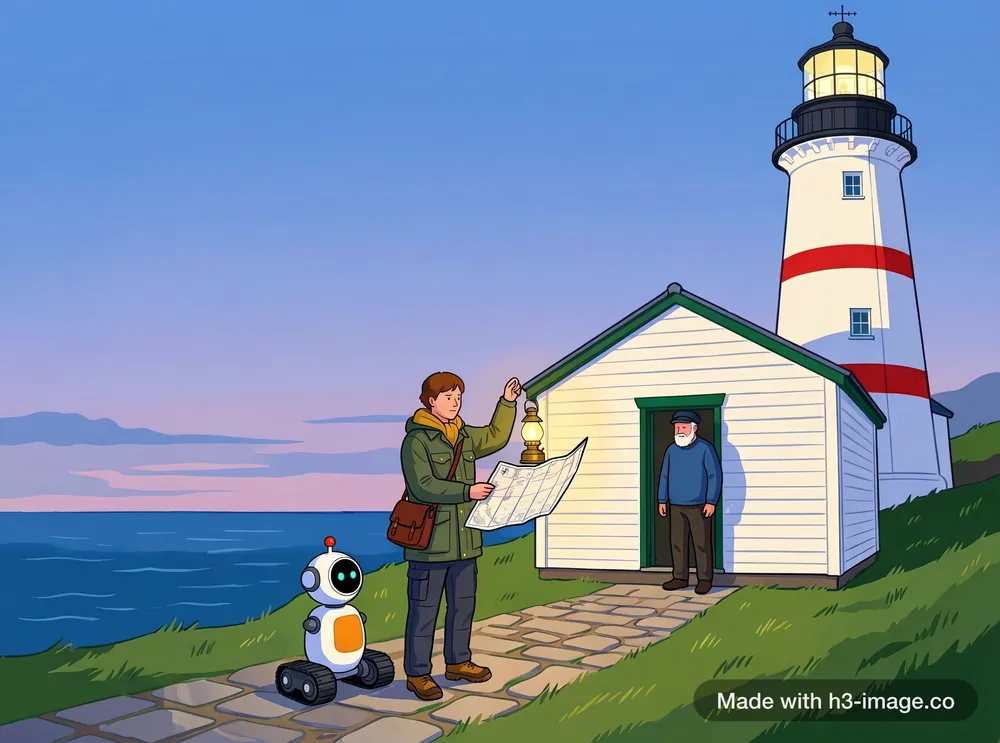
You write the idea and the model fills in light, materials and detail. This game concept art was made that way from a single sentence.
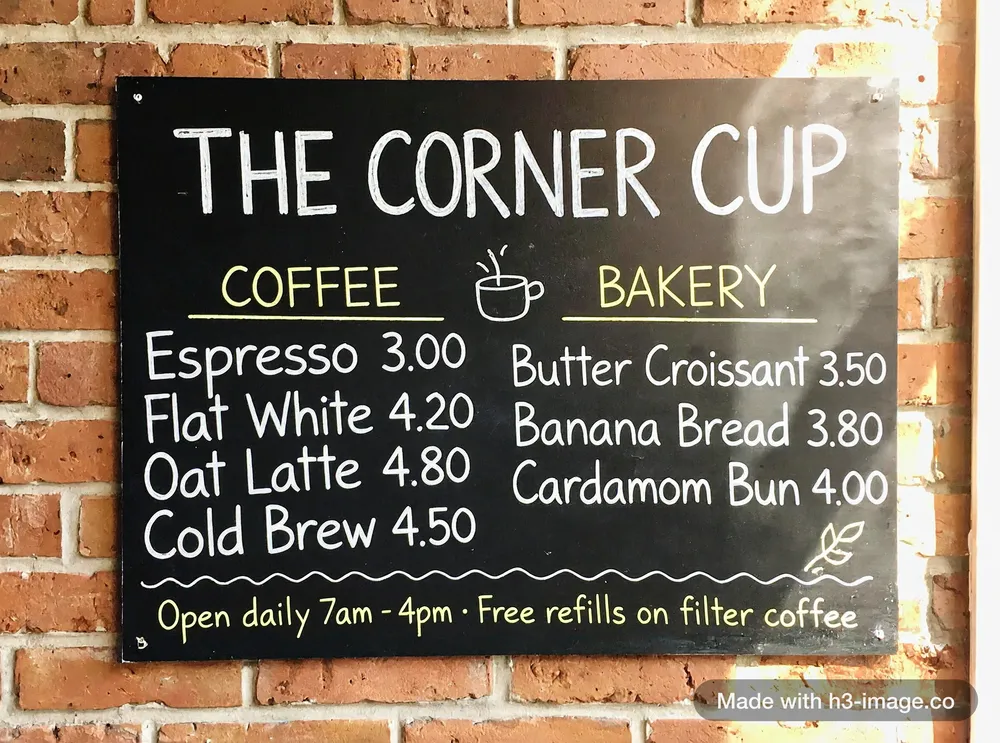 2K · Add detail off
Off: when the words must be exact
Your prompt is used exactly as written, and a run is 10–20 seconds faster. This menu was made that way, so the quoted words were not rewritten.
Getting exact text in the image
Text is where prompts fail first. These six rules come from repeated runs on this site, and each note says what went wrong without it.
- 1
Put every word in double quotes and say where it goes
Write the title, each line and the punctuation exactly as it should appear, and say where it sits. Our chalkboard menu, with a title, two columns and a footer line all spelled out this way, came out right at 2K on the first run.
- 2
Keep the word count down
A recipe card with about ten lines came back with four misspelt words and a repeated step. Cut to six lines, and asked for neat printed letters with every word spelled as written, both versions were correct.
- 3
Spell out the layout
An infographic that included a small table gained a garbled row and a broken table. Asking for five equal columns, each with one icon and one caption, and no other text, gave two clean versions.
- 4
End with “No other text.”
Without it, a poster added a line of its own: a year we never asked for.
- 5
Say what each label points to
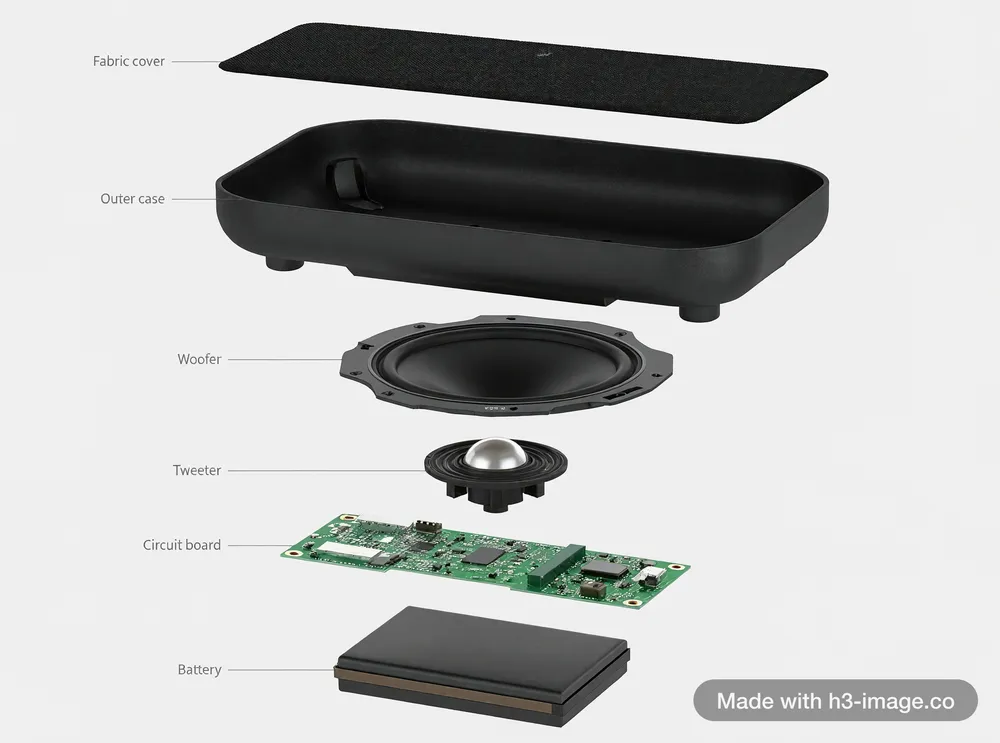
For labelled diagrams, name the part for every label, such as “Woofer” on a large round paper-cone driver. Asking only for “a label on each part” gave five garbled labels out of six.
- 6
Turn Add detail off
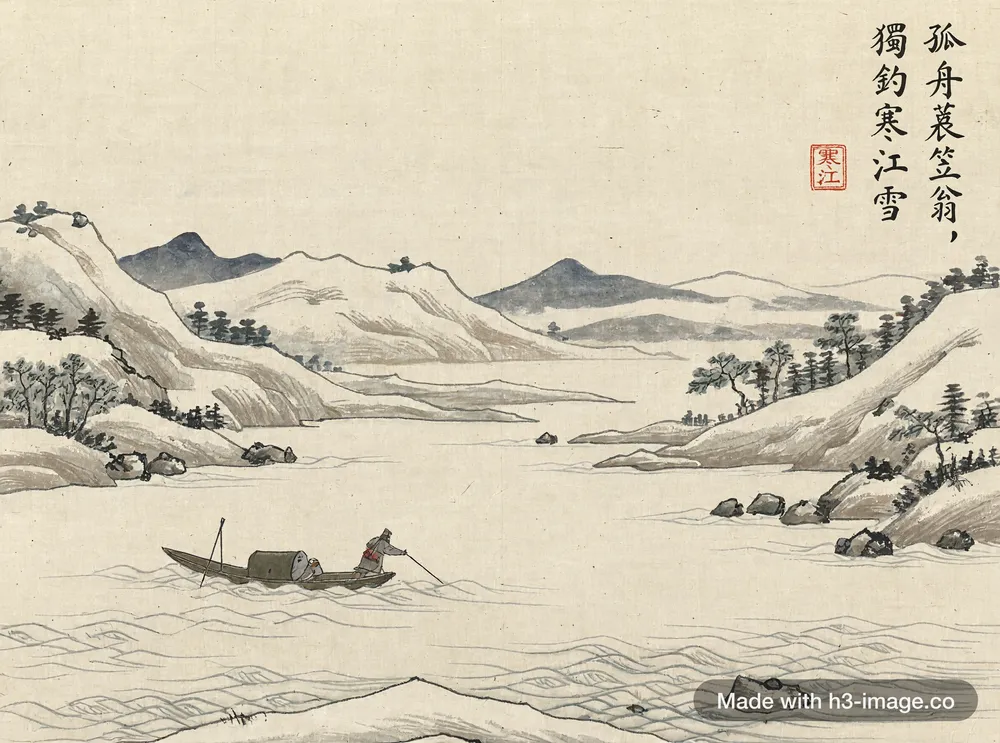
Add detail rewrites your prompt first, and the rewrite can change quoted words or turn Chinese characters into English.
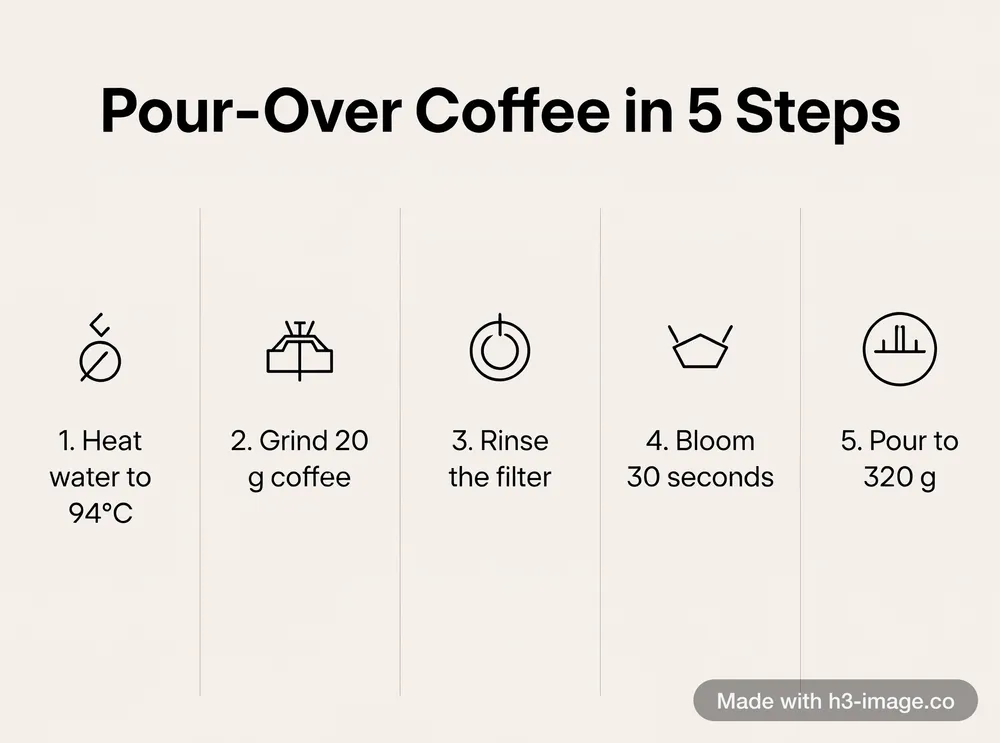 2K · Add detail off
Camera, light and scale
Four habits that held up in our tests
- 1
Say where the camera is, in plain words. “Worm’s-eye view, camera rests on the sidewalk, looking up” worked; “two feet above the ground” was ignored.
- 2
Describe light like a photographer: “hazy late-afternoon light”, “overcast morning”, “shafts of sun through water”.
- 3
Give a huge thing a person for scale. The farmer and the mule are what make the starship above read as colossal.
- 4
For a film look, ask for “a 35mm film photograph” with real-world materials and weathering, so it doesn’t come out looking like a game render.
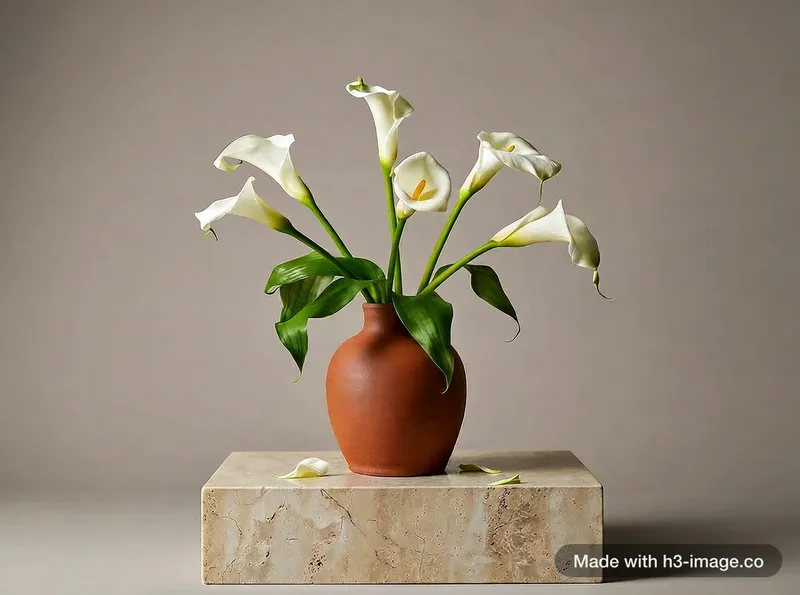
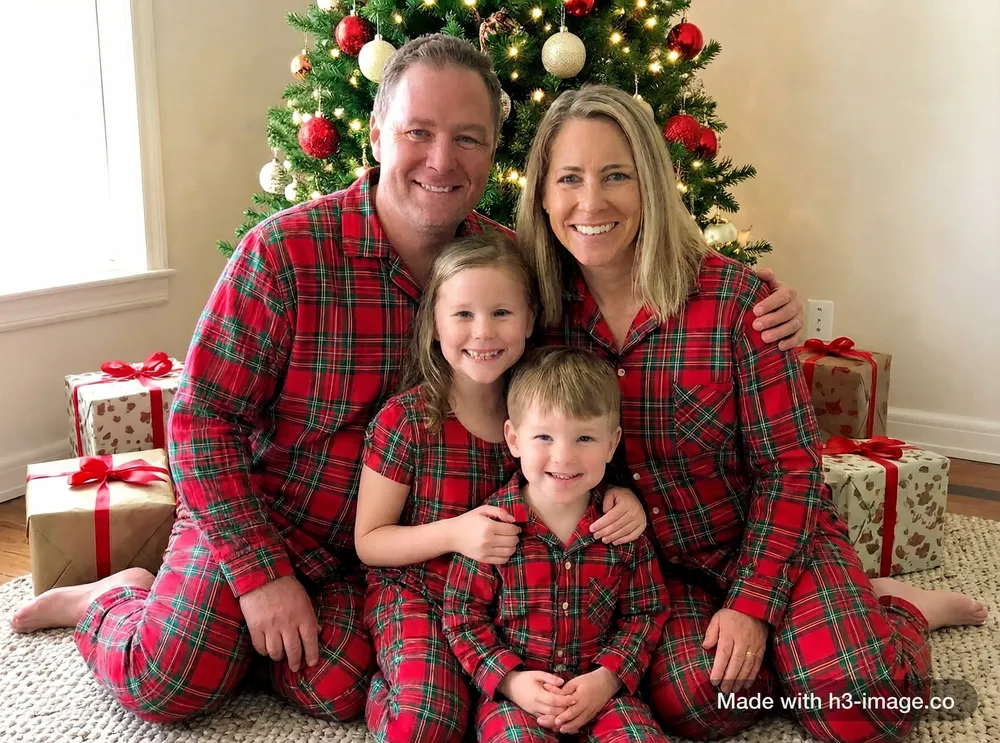
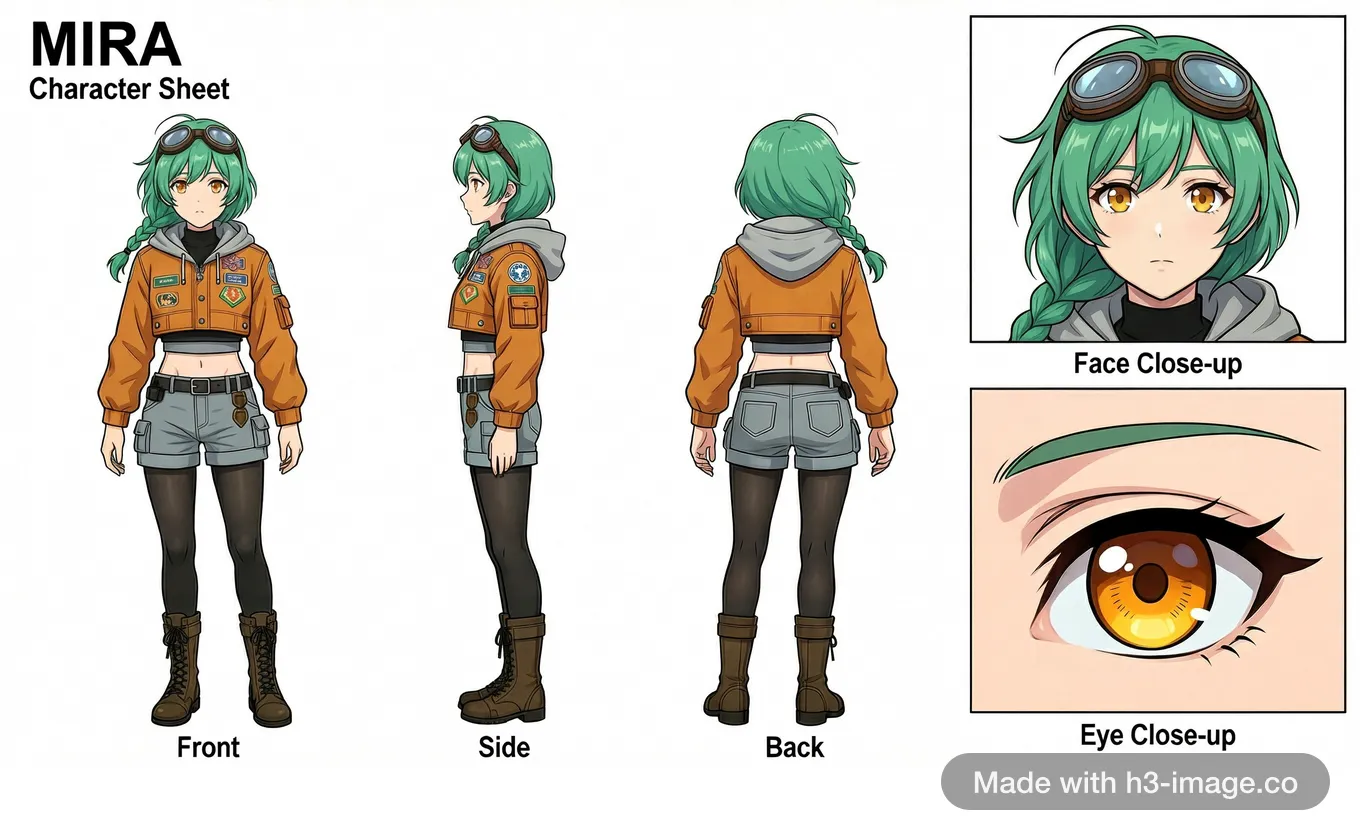
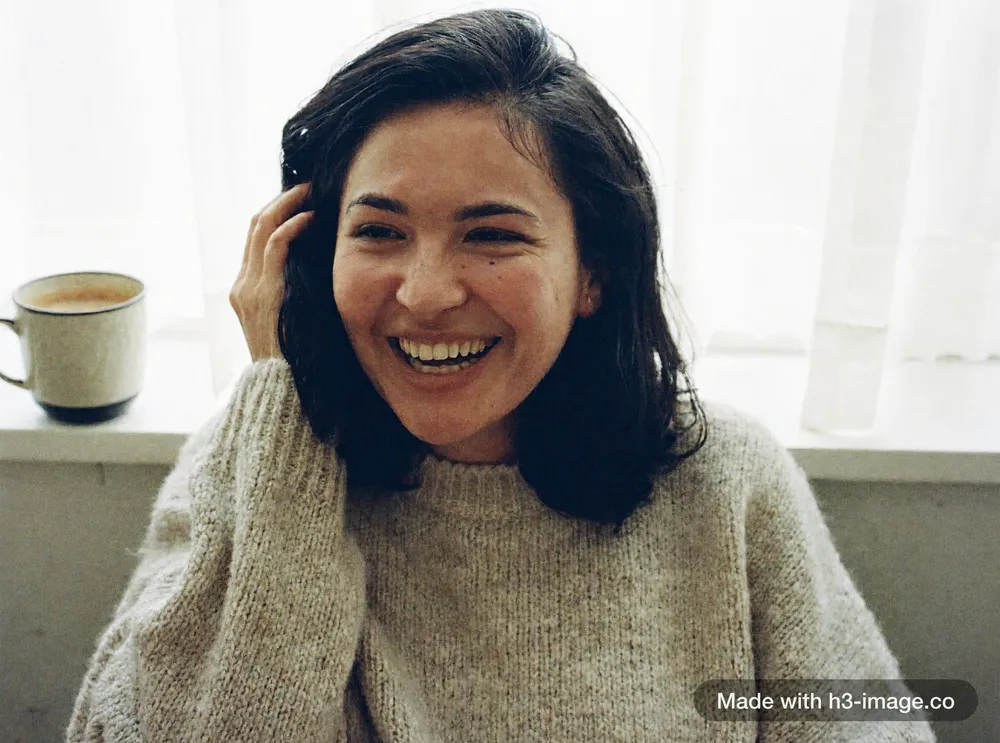
Every image on this page was generated on this site with MiniMax H3 Image, with no retouching. The settings are tagged on each image, and the prompt shown with it is the exact text used.
Before you press Generate
- 1
Does the prompt say what kind of picture it is: a photo, a render, a poster, a diagram?
- 2
Are the light and the camera described in plain words?
- 3
Is every word that must appear in the image inside double quotes?
- 4
Is Add detail off if exact text matters, and on if you only have an idea?
Where this comes from
The model card describes H3 Image as expecting a detailed English description of the whole image, with prompt expansion for short prompts.
Hugging Face model cardMiniMax’s own announcement of H3 Image, for what the model is and what it is built to do.
MiniMax announcement